1. Agent types #
Hosted or yours.
Overview #
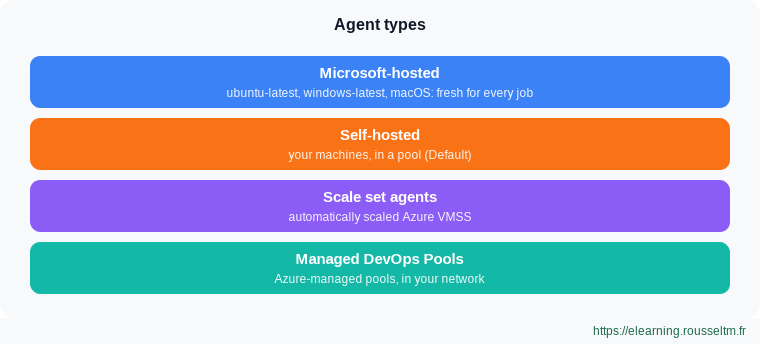
An agent belongs to a pool; a job requests a pool (pool: name: Default or vmImage: ubuntu-latest) and can require capabilities (demands: docker) announced by the agent.
2. Installing a self-hosted agent #
Linux, as a service.
Installation #
mkdir -p ~/azagent && cd ~/azagent
curl -sLO https://download.agent.dev.azure.com/agent/5.282.0/vsts-agent-linux-x64-5.282.0.tar.gz
tar xzf vsts-agent-linux-x64-5.282.0.tar.gz
./config.sh --unattended --url https://dev.azure.com/<organization> --auth pat --token "$AZP_TOKEN" \
  --pool Default --agent poste-local --acceptTeeEula
sudo ./svc.sh install && sudo ./svc.sh start- The personal access token (PAT) only needs the Agent Pools (read, manage) scope and is only used for registration.
- The agent opens an outbound HTTPS connection: no inbound port to open.
- For scaling: scale set agents (VMSS) or Managed DevOps Pools, managed by Azure in your virtual network.
Watch out : A self-hosted agent runs the code of every authorized pipeline: separate pools by trust level and do not authorize all pipelines by default.
Commands to know #
Commands to know
./config.sh --unattended --url … --auth pat --token … --pool Default: register an agent./run.sh: run the agent in the foregroundsudo ./svc.sh status: service status./config.sh remove --auth pat --token …: unregister the agent
Sources #
Checked in November 2026: CI/CD platforms change every month, check versions and plans in the vendor's documentation.